Isometric Armchair 3D Rendering Pack 99: A Practical Guide for Designers and Visualisers
If you work in interior visualization, game asset creation, or product design, you’ve likely faced the challenge of furnishing a scene with attractive, consistent seating elements. Isometric Armchair 3D Rendering Pack 99 offers a ready-made library of 99 distinct armchair models rendered in an isometric style. This article walks you through what this pack contains, how it compares with other approaches, and where it fits best in a professional workflow.
What Makes Isometric Armchair 3D Rendering Pack 99 Distinct
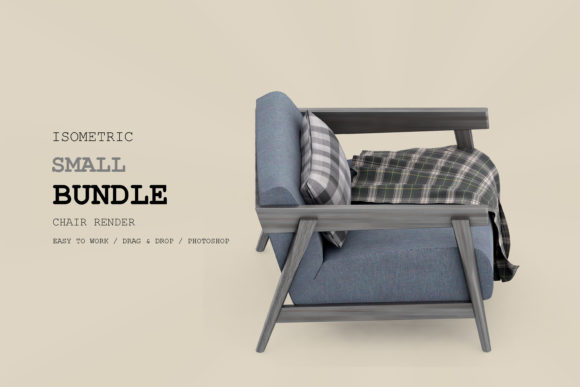
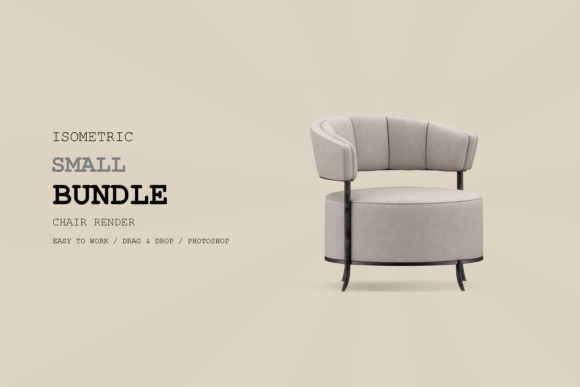
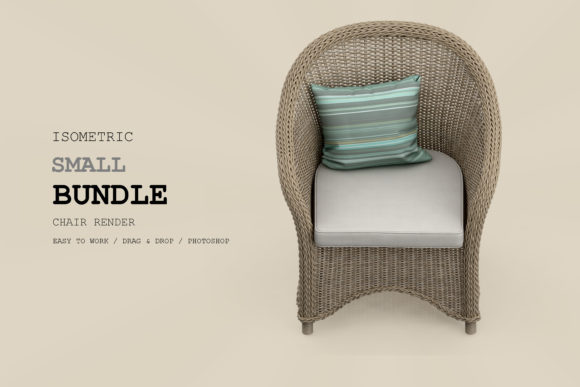
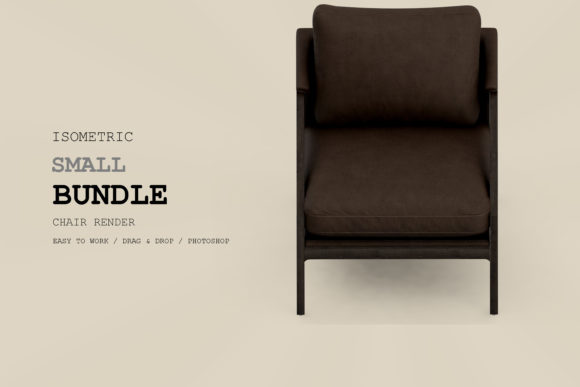
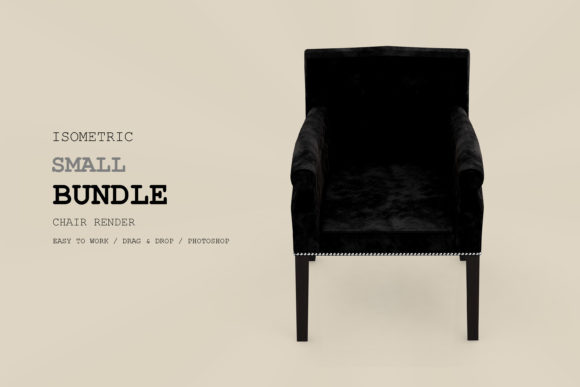
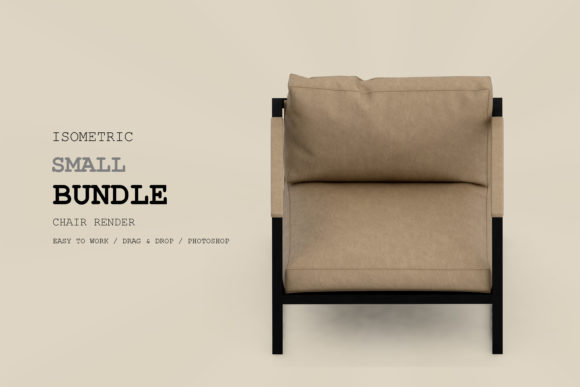
This pack is a curated set of high-quality isometric renderings of armchairs, all pre-rendered and available for direct use. “Isometric” refers to the parallel projection style where all three axes are equally foreshortened, creating a clean, technical aesthetic popular in infographics, interface design, and modern asset libraries. The number 99 indicates a substantial variety of styles—from mid-century modern to minimalist, plush lounge chairs to ergonomic task seats—each rendered with consistent lighting and perspective.
Unlike a generic 3D model library that requires you to set up cameras and render each view yourself, this pack delivers finished, ready-to-place images. This means you can drag and drop armchairs into your isometric composition without any 3D software or rendering time. The consistency across all 99 items—same angle, shadow direction, and color palette—makes it easy to mix and match within a single project.
Comparing Approaches: Pack vs. Custom Creation vs. Other Libraries
When evaluating Isometric Armchair 3D Rendering Pack 99, it helps to consider the main alternatives: creating your own isometric renderings from scratch, buying individual models, or using a different type of asset pack (such as perspective-based or flat vector seats).
Custom 3D Modeling and Rendering
Building your own armchair models and rendering them in isometric gives you full creative control. You can tweak materials, colors, and dimensions exactly to your brief. However, this approach demands significant time, software expertise, and rendering resources. For a single chair, it might take several hours. For 99 variations, the effort becomes prohibitive unless you are a specialized 3D artist with a large pipeline. Isometric Armchair 3D Rendering Pack 99 essentially collapses those hundreds of hours into an immediate download.
Individual Model Libraries
Many online marketplaces sell individual isometric 3D models, but they often come in different file formats (FBX, OBJ, Blender, etc.) and require you to render each one yourself. While you can modify the geometry, you still need to set up lighting and camera angles consistently. The pack’s pre-rendered approach bypasses this step, making it far faster for projects where you only need the final image, not the underlying mesh.
Other Rendering Pack Formats
Some libraries offer isometric furniture packs rendered in a more stylized, flat-vector aesthetic or with different projection angles (like a 2.5D isometric). This pack focuses on realistic materials and subtle shading, which gives a more dimensional look while keeping the isometric advantages. If your project requires extremely flat icon-style chairs, this might be more detail than needed. Conversely, if you need photorealistic perspective, an isometric pack may not suit your needs at all.
Strengths and Tradeoffs: Speed, Consistency, and Flexibility
Every asset choice involves give-and-take. Here are the key strengths of Isometric Armchair 3D Rendering Pack 99 and the tradeoffs you should consider.
- Speed of deployment: The biggest advantage. You can populate an entire isometric scene with armchairs in minutes. No rendering queue, no texture baking. For tight deadlines, this is invaluable.
- Visual consistency: Because all chairs share the same lighting, shadow angle, and resolution, they fit together naturally. This eliminates the mismatch that often occurs when mixing assets from different sources.
- Variety without clutter: 99 options cover a wide range of styles, from retro to contemporary. You can likely find the right silhouette for your scene without needing to model anything new.
- Pre-rendered images (PNG or similar) are easy to place into design software like Photoshop, Figma, Sketch, or any presentation tool. No need for a 3D engine.
However, there are tradeoffs. You cannot change the chair’s color, material, or angle after the fact—it is a static image. If your composition requires a different camera angle or a custom fabric, you’ll need to either composite the rendered chair with other elements or create your own rendering. Also, the pack’s aesthetic is fixed: if your project uses warm tungsten lighting but the pack uses neutral daylight, you may need to color-correct each image to fit.
Decision Factors: When Is This Pack the Right Choice?
Your decision should hinge on the nature of your project, your skill level, and your deadline.
Best for: Interior designers creating isometric floor plans or furniture catalogs for digital use. Game developers working on isometric strategy games needing consistent asset thumbnails. UI/UX designers building infographics or app illustrations that feature seating. Anyone who needs a large set of ready-to-use, matching chairs without the overhead of 3D software.
Consider alternatives when: You need full 3D models for real-time rendering (e.g., Unity, Unreal) where you can orbit the camera dynamically. Or when you require extremely high resolution for large-format print. The pack’s images likely come at a specific resolution that may not scale infinitely. Also, if your project demands a very specific chair that is not in the set—such as an Eames Lounge Chair exact replica or a custom ergonomic design—you may need to complement the pack with additional custom work.
Practical Examples of Use
Imagine you are designing a virtual office layout for an isometric training simulation. You need 15 different armchairs for the lounge areas, manager offices, and break rooms. Using Isometric Armchair 3D Rendering Pack 99, you can quickly pick a mix of high-back executive chairs, casual armchairs, and sleek visitor chairs—all at the same perspective and shadow—and drop them in. The scene looks coherent immediately.
Another scenario: a real estate marketing team wants to produce an infographic showing the different furniture options for a new apartment complex. They need a clean, isometric visual with plausible armchairs. Instead of hiring a 3D artist to model and render each chair, they use the pack to illustrate the options. The infographic can be turned around in a day, not a week.
Weighing Cost, Time, and Quality
While I won’t discuss specific pricing, consider the value of your time. If your hourly rate is $50 and you spend 10 hours creating custom isometric chairs, that’s $500 in labor. A pre-built pack like this one often costs a fraction of that, and the quality is already proven. However, if you already have an established library of models and rendering templates, the incremental cost to add a chair may be low—so the pack’s value depends on your existing workflow.
Combining with Other Assets
Most projects need more than just chairs. Isometric Armchair 3D Rendering Pack 99 can be combined with other isometric furniture packs, as long as the lighting and perspective match. Some designers use it as a starting point and then overlay custom textures or adjust the color balance in post-production. The key is to ensure consistent ambient lighting; if the pack uses shadows going bottom-left, all other elements should follow that convention.
Limitations to Keep in Mind
No asset pack is universal. The “isometric” angle is fixed, meaning the chair is shown from one specific viewpoint (commonly 30 degrees). If your composition uses a slightly different isometric angle (e.g., 45 degrees), the chair will not align perfectly. Also, because these are pre-rendered, you cannot animate the chair folding, reclining, or rotating in 3D space. If your project calls for interactive 3D exploration, you need actual 3D models, not static renders.
Another limitation: the pack may not include chairs with highly transparent materials like glass or wireframe designs, as isometric rendering often struggles to convey transparency legibly. Check the product description for specific chair types included.
Making an Informed Choice
Before purchasing, clarify your end use. If your output is a static isometric illustration, infographic, or asset sheet, this pack is a strong candidate. If you need flexibility in future edits or plan to animate the scene, invest in a full 3D model library instead. For many professionals, the ideal approach is a hybrid: use the pack for rapid prototyping and final static renders, while custom-building hero assets that require unique angles.
Read user reviews from designers in similar roles to yours. See if they mention the pack’s resolution, file formats, and ease of use. Compare the variety of armchair styles with your typical project needs. The best choice aligns with your typical workflow, not just the most popular option.
Isometric Armchair 3D Rendering Pack 99 occupies a niche that many designers need: a large, consistent, ready-to-use set of seating visuals for isometric work. It saves time and ensures coherence, but trades off editing freedom. By evaluating your project’s requirements for flexibility, speed, and final output format, you can decide if this pack fits your toolkit. Whether you use it as a primary resource or a complement to custom work, it’s a practical addition for anyone regularly creating isometric scenes with seating elements.